Independent guide · responsible gambling
Responsible Gambling At 1win: Limits, Self-Exclusion And Help
Betting and casino games are entertainment for adults aged 18 or older, not a way to earn money. The operator sets limits, time-outs and self-exclusion on request through live chat. Free and confidential help is available from independent organisations.
Checked on
Control Tools Offered By The Operator
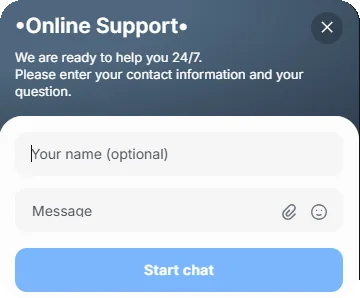
The operator's support team sets the control tools on request. A message to live chat with the account e-mail or phone is enough to start.
| Tool | What it does |
|---|---|
| Deposit limit | Caps the amount added per day, week or month |
| Loss limit | Stops play when losses reach a set amount |
| Time-out | Pauses the account for a short period |
| Self-exclusion | Closes the account for a set period or permanently |
The durations available for time-outs and self-exclusion are confirmed by support at the time of the request.
How To Request A Limit Or Self-Exclusion
All four tools go through the support team. The request takes a few minutes in live chat.
- Open live chat on the site or in the app.
- State the tool and the amount or period.
- Confirm the account details support asks for.
- Wait for the confirmation message.
- Check the limit in the account settings or the chat history.
Warning Signs
Problem gambling develops gradually. These signs are listed by help organisations as reasons to pause and seek advice.
- bets grow to chase earlier losses;
- more time and money go on play than planned;
- gambling affects work, study or family;
- borrowing money to gamble;
- irritation when trying to cut down.
Free Help Organisations
These organisations offer free and confidential support online. They are independent of the operator and of this guide.
| Organisation | Format |
|---|---|
| Gambling Therapy | Online chat and forums, worldwide, many languages |
| BeGambleAware | Advice, self-assessment and support links |
| Gamblers Anonymous | Peer support meetings worldwide |
Protection Of Minors
Only adults aged 18 or older may open an account. Identity checks (KYC) confirm age before large withdrawals.
- keep login details private on shared devices;
- use device-level parental controls where children have access;
- log out after each session on a shared computer.